All drives can fail. The question is, how likely is it, and are you prepared?
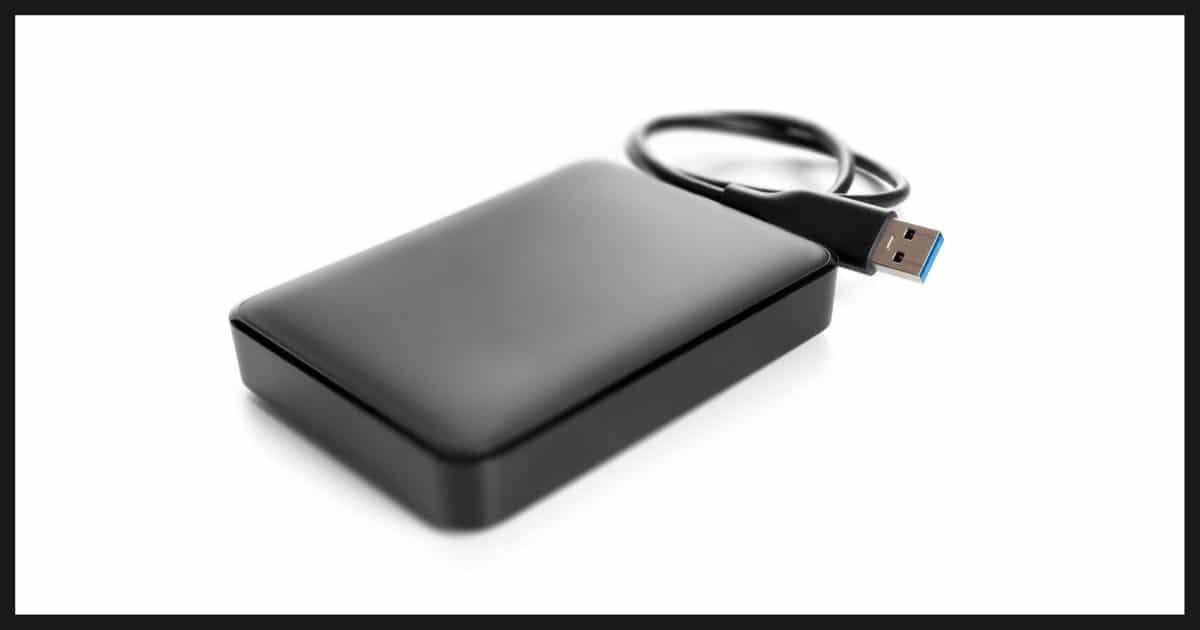
I’m not sure what “this kind of failure” specifically refers to, but yes: drives do fail.
If you’re asking about the timing, well, I’ve had two drives from the same manufacturer die within a few months of each other, and then had no failures for several years.
Become a Patron of Ask Leo! and go ad-free!

External drives fail
Any drive can fail, internal or external, without warning. The only safety net is a good backup. Disposing of failed drives securely can include reconnecting it to a computer, if possible, and erasing it, or physically destroying the disk. Flash drives, while convenient, aren’t well suited for backups.
Drives Fail
Given that your drives were different ages and models, I wouldn’t read much more into it other than that unfortunately, drives fail.
External drives are just drives, after all, and occasionally even subject to slightly harsher environments if they get carried, jostled, or moved around a lot.
So, yes, drives fail. Internal, external, USB, SSD, randomly and without warning, any drive can fail.
Sometimes there are patterns. I once had two external drives of the same model from the same manufacturer purchased relatively close to each other both fail around the same time. The conclusion I drew was to avoid that manufacturer for a while.1
Most failures, however, are random.
Preparing for failure
The takeaway is very simple: back up. And yes, sometimes that means backing up your backup drive.
It all depends on how you back up.
Here’s a simple rule of thumb: if data exists in only one place, then it’s not backed up. If that one place is your computer, you need to back it up. If that one place is an external drive, then you want to figure a way to back that up, too.
Disposing of failed drives
What to do when you dispose of a drive depends on how sensitive the data is and how much effort you want to go to.
Since they’re external drives, it’s possible that the failure is with the drive enclosure’s circuitry, not the drive itself. If that’s the case, you can remove the drive and potentially use it elsewhere:
- Install it into a machine as an additional drive.
- Place it in a new external enclosure: a box designed to hold the drive and give it a USB connection, making it an external drive again.
- Get an interface cable: a cable providing it with a USB connection. (Essentially, an external drive without the box.)
In any of those cases, if the drive is functional, you could continue to use it in a new role, or you can securely erase its contents.
If you can’t regain access to the drive in order to delete the data, the only secure way to ensure that the drive is no longer accessible is to physically destroy it. Make sure that the drive’s case is open and that the platters are exposed (and, ideally, damaged).
I’ve drilled holes through dead drives to achieve this effect. It has a therapeutic side effect.
USB Flash Drives
I have mixed feelings about flash drives. There are issues.
- They wear out, inexpensive ones in particular.
- They can be slower. Reading from flash memory is typically fast, but writing can be slower.
- Data retention hasn’t been proven. An unused hard drive will keep its data safely for years; a flash drive is much less certain.
My personal preference is that for backup and archiving, you really want an actual hard drive. For data transfer, convenience, and perhaps as a third-level backup, flash drives may make sense.
Do this
Pay attention to the data you keep on your assorted disk drives, and prepare for failure. That means ensuring that your data is always backed up (meaning that it’s never stored in one and only one place).
Subscribe to Confident Computing! Less frustration and more confidence, solutions, answers, and tips in your inbox every week.
Podcast audio

Related Video


Footnotes & References
1: I say “a while” — typically meaning a couple of years — because disk manufacturer’s quality seems to ebb and flow over time. I revisited them after their reputation eventually improved.

I had a failure of a 2 year old Western Digital drive. I received technical support from WD but when that failed to recover the drive they replaced it with a new one. Good to find a company with such support!
I had a flash drive with a 10-year warrantee fail. I was able to replace it with a bigger one, but if I’d had irreplaceable important data on it, they would have been permanently lost. (I never keep important files on flash drives. I only use flash drives for transferring files, and it’s never the only copy of those files)
In many, probably most, cases the data on the drive is worth many times the value of the drive.
A very common problem with external hdd’s happens when they are knocked off desks. If they were in use
(spinning) at the time they fell to the floor the odds of recovering data are minimal.
Agree with all the comments if the failure was due to a PHYSICAL problem.
However the original post said only that the external drive had “failed”, which might have meant that the data couldn’t be retrieved. Data retrieval failure for an external USB drive can also be caused by simply pulling the USB cable *without* going thru the “safely remove hardware” process. I have many customers who have lost data because of this and when I inform them of the proper way to remove an external USB drive, they admit they never did it.
Simply pulling the USB cable often has no adverse effect, but if done continually, the odds increase of a problem occuring.
Not had an outright catastrophic failure but had a WD external drive (just over a year old) that suddenly wouldn’t rustle up intermittently and then not at all. Power supply was fine. Took the actual drive out and put it in an external caddy and it was fine, so obviously a fault in the interface electronics. Surprised how primitive the build was, for the money, when I took it apart. That’s one drive manufacturer off my Christmas list. Pity I didn’t know about Andy’s experience with them. Sounds like they might have looked at the problem.
I know from which you speak. I had a scare (and I should know better – I work at helpdesk :) – my external HD case electronics went out. The drive was fine but the enclosure – poof. Luckily, I was able to just add it as a slave drive and my data was still there. But I was flirting with disaster.
Sometimes reported HDD failure is not a failure at all. I’ve had many occasions when a client has told me their external hard drive has failed and it is actually quite fine. This happens because external drives are not connected permanently; connecting an external drive after an extended idle period can often result in that drive not being recognised and the entry in ‘Disk Management’ describing the drive as RAW….with seemingly no way to access the data. To rectify that situation, all one needs do is simply allocate a new drive letter.
BTW Leo, loved your bit on Raid arrays….excellent!!
I back up my data using Acronis True Image and the additional program that allows data restoration to a PC with a different hardware configuration. An aside, some backup software will only restore a full back up, a mirror of the original drive including the operating system and system files, correctly to the same hardware configuration. Essentially, that means the same computer with a replacement drive which I have been told can be a different brand but should be the same capacity as the failed one. Anyway, I happen to buy most of my software as downloads. It all goes onto an external drive along with the freebie programs I find and use. I back up that drive with Acronis as well. On top of that I backed the software storage drive and all the Acronis backup files to a subscription online backup service along with the traditional documents, email settings, music and picture files. Or so I thought. Last year I lost my C: drive followed two days later by the external drive I had all my software saved to. To cut to the chase I was able to recover all the C: drive data from the Acronis backup files. Unfortunately, even though the external drive Acronis backups had shown a successful completion when they last ran, the software storage drive and the back up files from the other external drives I use all showed corrupted and would not restore. I then learned that the online backup service I used which allowed external drives to be backed up (the competitor did not)hadn’t saved any of my programs or my backup files! They don’t allow any type of executable file to be saved. Backup files from any backup software are also prohibited! This was a policy change that occurred after I first signed up with them which they likely informed me of but I ignored. It was a tough lesson. Fortunately, I had saved all my receipts for the stuff I had bought and was able to recover most of it. I learned the hard way that even backups are no guarantee and that the traditional online storage services are not all they are cracked up to be. Online backup would be ideal as insurance for an external drive backup scheme if there was an affordable service that didn’t restrict what could be saved, emphasis on the affordable!
I’ve had a WD drive fail and was not able to recover the data. Bought another (newer, faster, bigger) but always thinking it could fail at any time. So now I fork and “double backup” by keeping critical folders/files in 1) a Cryptomator vault which is stored in the cloud (Sync.com), and 2) backed up to my external drive. If external drive fails, I can retrieve everything that was important from my vault. Visa-versa, if my cloud vault disappears (extremely unlikely) I can get everything from my external drive.