Changing your ISP may involve changing more than you think.
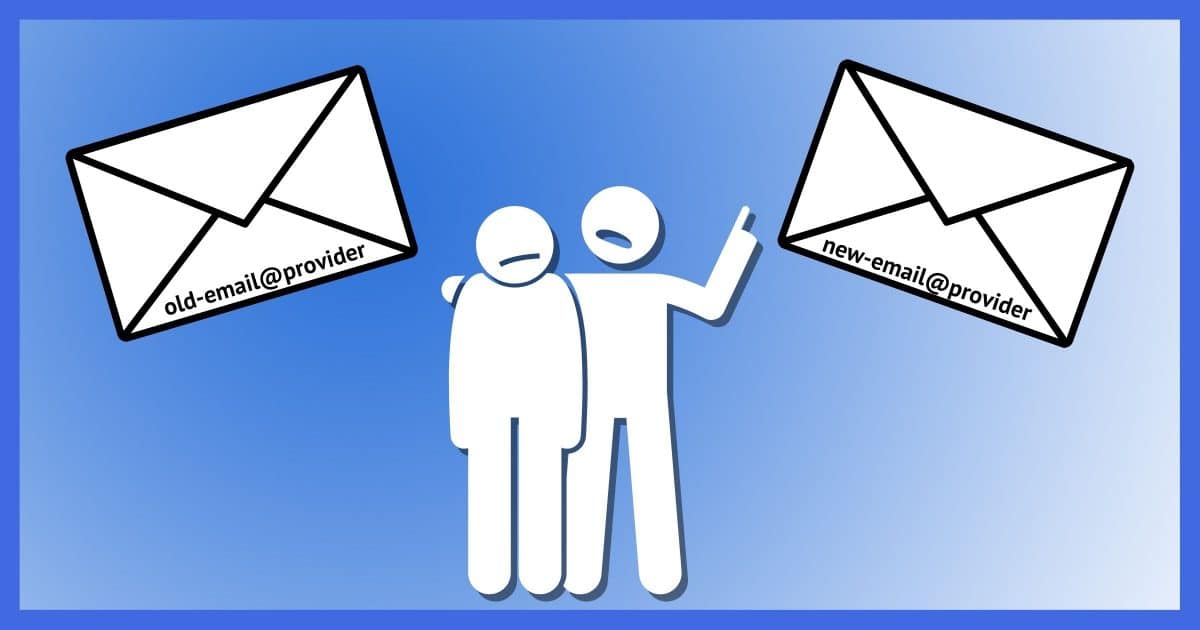
Is there a way to keep my email address when I change my ISP?
If the ISP issued the email address, probably not.
In the US, mobile phone carriers are required to let you keep your cell phone number if you switch providers. Unfortunately, no such requirement exists for ISPs.
There are a few things you should do this time to make it possible next time.
Become a Patron of Ask Leo! and go ad-free!

Keeping your email address when you move
Email addresses issued by ISPs are generally not portable and stop working if you move out of the ISP’s service area. Instead, create an email account at one of the free online email providers or email forwarding services. For maximum flexibility in the future, register your own domain and start using email addresses associated with it.
ISP-issued email addresses
By ISP, I mean the Internet Service Provider providing internet connectivity to your home. ISP coverage is generally regional, so when you move to a new location, your old ISP may not be there to provide service. You’re stuck finding a new ISP, who will give you a new email address.
If your email address includes the name of your ISP — addresses like @verizon.net, @comcast.net, @ziply.net and so on — that email address is tied to that ISP forever.
The only way to keep that address is to keep some kind of account with that ISP. Most ISPs don’t support continuing accounts for customers outside their service area.1
You can, however, create an email address that’s yours forever.
Online email services
Services like Gmail, Outlook.com, Yahoo Mail, ProtonMail, Mail.com, and others are online services accessible from just about anywhere planet-wide.
Basic services are also usually free, which can have drawbacks and can also be an excellent value.
Create a Gmail account, for example, and your @gmail.com address will be yours regardless of where you live or how often you move.
Mail forwarding
Mail-forwarding services give you an email address on a domain supported by the service. You then configure the service to forward all email received by that address to your “real” email address at your current ISP. You never hand out your ISP-based email address, only the one that goes through the forwarding service.
Then, when you decide to change your ISP, you simply reconfigure the service to forward to your new email address.
Dedicated forwarding services are less common these days, but many of the free services listed above can perform that task as well.
Your own domain
If all you want to do is forward email, owning your own domain name — like I own “askleo.com” — isn’t complicated. Most domain registrars include mail forwarding as part of their service. In fact, the toughest part might be finding a domain name you like that isn’t already taken!
Once you register a domain name, you typically get email forwarding for some number of email addresses on that domain (think leo@askleo.com, support@askleo.com, questions@askleo.com, and so on). In some cases, you can also create what’s called a “catch all” rule that forwards email sent to any email address on your domain to a specific email address.
There are several low-cost domain registrars. I’ve been using Simple URL for close to two decades.
Do this
Before your next move, start using a portable email address that doesn’t rely on any specific ISP. That way, you’ll be insulated from any forced changes in the future.
Then use that email address to subscribe to Confident Computing! Less frustration and more confidence, solutions, answers, and tips in your inbox every week.
Podcast audio

Related Video


Footnotes & References
1: I’ve also heard of ISPs that charge (sometimes excessively) for the service, so it might be worth asking, I suppose.


When I started using the Internet in ’95, I switched ISP a few times and had to change my email address each time. It was a pain, but really not too bad as I only had a couple dozen contacts which were easy to notify. Then in ’97 or ’98, I got a Yahoo mail account which was billed as “Email address for life”. 25 or 26 years later, I still have that account.
I recommend sticking with the Big 3: Gmail, Outlook.com, or Yahoo mail. I expect those companies to be around a lot longer than any of the smaller ones.
Some people might shy away from Outlook.com (aka Hotmail, live.com, and MSN.com) because it has a bad reputation. In the early ’00s, it had a lot of problems, especially when traveling, but now it’s up there with Gmail and Yahoo Mail. It has the added security feature of a recovery code which can be used to recover your account if it’s hacked or locked out for any reason.
If you have Windows 8 or later, you have a Microsoft account unless you specifically opt out. This account gives access to OneDrive and other Microsoft services. If you are locked out of your computer, you can get in via your MS email address. That recovery code can be used to recover that account, so keep it in a safe place.
My big issue Outlook.com et all as an email service is that the spam filter is completely unpredictable, and often downright sucks.
I route it through Gmail which filters what Microsoft misses.
I used Leo’s advice late last summer and bought my own domain and set up an email address. So far I’m quite happy with it. I went with my own domain and email address because I had a few glitches with my current nationally known ISP. I had (and still use it occasionally) an email address for about 23 years on a small nationally known ISP that was bought out by a bigger and currently nationally known ISP. I was told at the time I could keep using my email address but it was suggested I change the address to match the bigger nationally known ISP. Since I had several hundred email contacts (and ump-teen websites that use that email address for password resets, etc.) I decided to keep using my old email address. Last summer when I had email problems, I was told the bigger national ISP was having problems keeping the former email server up and running and the old email server might stop working without any notice.
.
I also found it advantageous (in my situation) to download my email to MY computer rather than leaving it on the email server. Same with my sent email. Don’t forget to backup your data!
.
As with life, there is no guarantee an ISP (or Yahoo, etc) will not be bought up by another company. It is possible you could be forced to change the part of your email address after the “at” sign. Remember Geocities websites several years ago? People were in an uproar when the company announced Geocities was being discontinued. That’s life. Don’t forget to backup your data!
I had a Geocities website, and when Yahoo bought Geocities, they forced everyone to switch to a Yahoo email address, and Geocities email would be forwarded the the Yahoo mail account. The problem was I had the same name associated with my Yahoo and Geocities and I lost all email sent to the Geocities address. At the time it wasn’t serious as in 1997 0r 98, I only had one or two dozen contacts, but with the hundreds of contacts I have now, it would be a disaster to have to start over with a new address.
When AT&T shut down our DSL a few years ago, we went with Comcast. My wife wanted to keep her old email address. They had a $6/month account to do just that.
HI there somehow all my searching for my problem with Facebook I found YOU :) I wondered if the reason was that I changed providers at around the time my FB dropped me from my 10+ years of gaming existence. At this point I have little else that soothes my mind *sob*