It’s simple.

Making sure any online service doesn’t automatically log you in is critical if it’s possible that someone else might walk up and use your computer while you’re not looking.
The great news is that it’s trivially easy to do.
Become a Patron of Ask Leo! and go ad-free!
Sign out
While you’re in Outlook.com, click on your profile icon in the upper right and then click on Sign out.
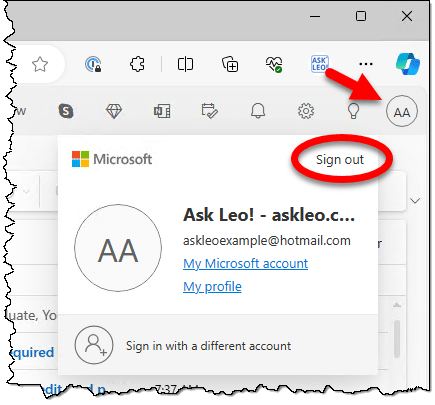
That will sign you out and take you to the MSN home page.
Now, return to Outlook.com, and you’ll be required to sign back in.
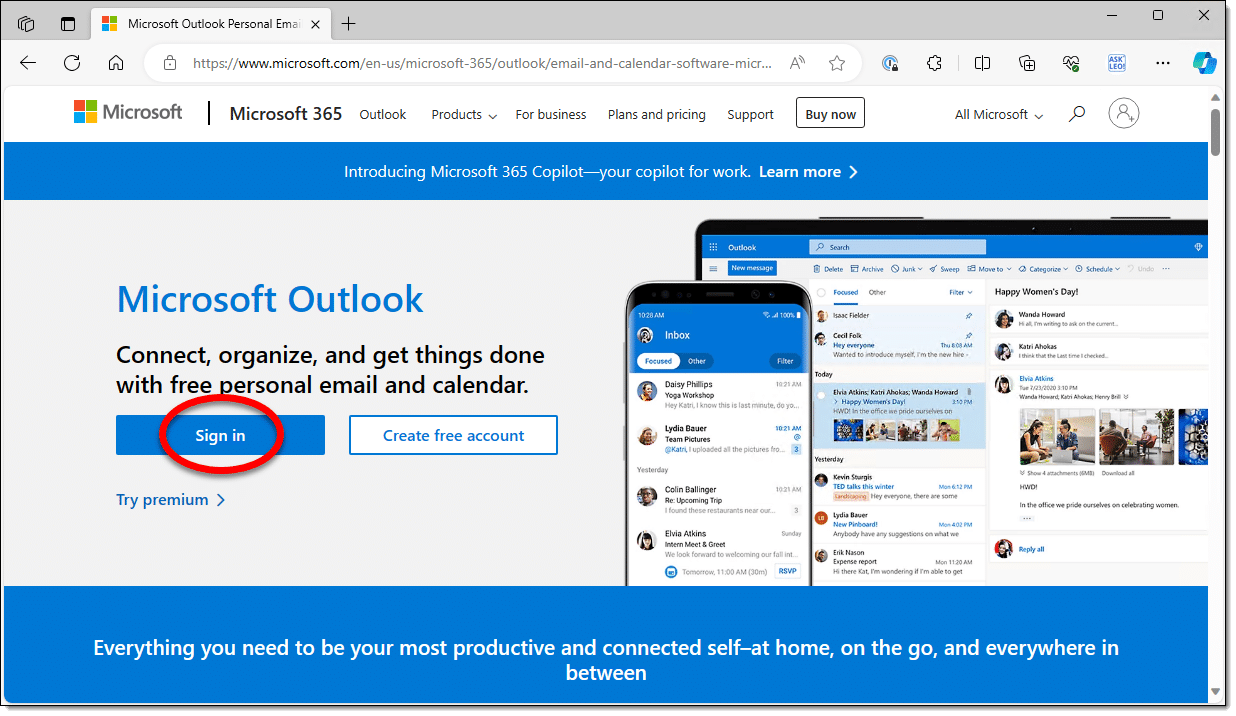
That’s it. Just be sure to sign out, and it’ll require you to sign back in the next time. And it’ll prevent people from randomly walking up to your machine and using your account without needing to sign in at all.
More than Outlook.com
The question is about Outlook.com, but the concept applies to all online services.
If you have any concern at all that someone might walk up to your machine and start accessing your accounts, signing out will thwart them. Since they won’t be able to sign in as you, they’ll not be able to do a thing.
Do this
When in doubt, sign out.
Then subscribe to Confident Computing! Less frustration and more confidence, solutions, answers, and tips in your inbox every week.
Podcast audio

Related Video


It’s possible you might want to make sure that any site you’ve previously accessed will require a login.
Let’s say your prankster buddy is at your house and you step out to get the two of you some (more?) beer… but you don’t want to risk your “good buddy” logging into various sites as you while your gone (not saying it’s malicious, but he’s SUCH a practical joker, ya’ know?).
Turns out that this, too, is trivially easy: Clear your browser’s cookies before you leave. In almost all cases this will log you out of all sites you’ve recently visited.
(Hmmm. If your buddy is that much of a prankster, then perhaps you might also want to log out of your windows account — or at least lock it — or even just shut the whole durn computer down altogether — before you leave…!)
For scenario you’ve described, there’s no need to clear cookies or log out of everything. Windows Icon Key+ L will lock your computer in one or two secconds.
That’s what I was referring to by “at least lock it” — but in this case, shutting down might be better. :o