It’s a trap!
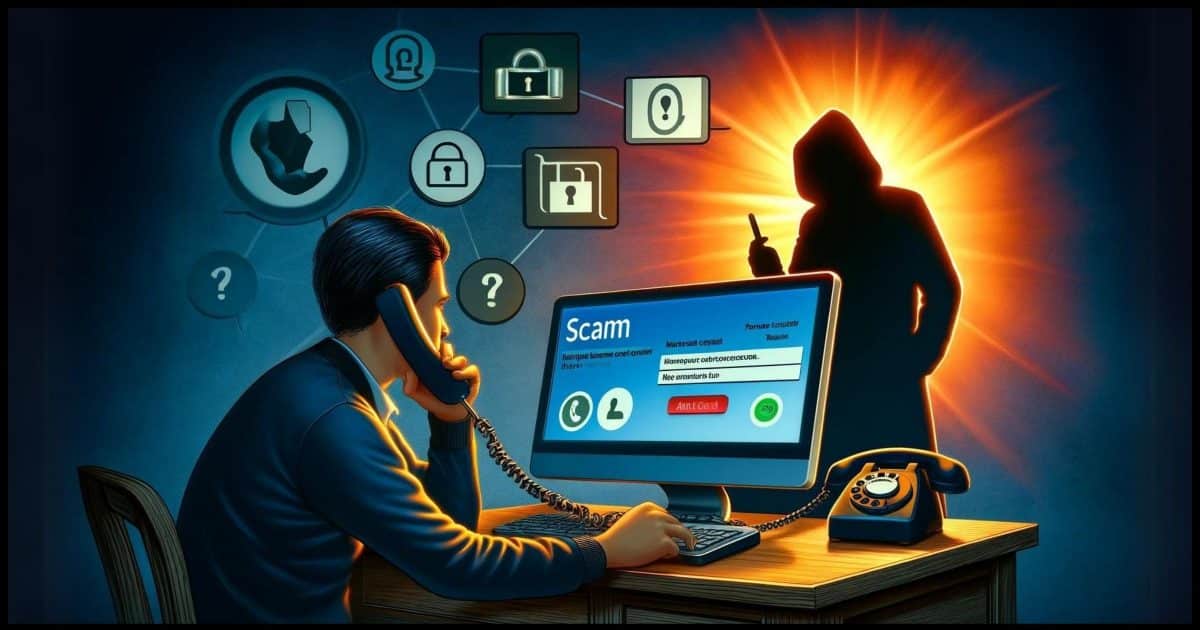
A family member got scammed by a telephone call from someone saying that they were from Microsoft and calling because of PC error reports. Unfortunately, remote access was given. What should be done to prevent further compromise of the PC data? Help!
Note: MS scanner and a Norton scan were done and showed no problems. Remote access software files were removed manually from PC. Could the scammer again access the PC data? Data is backed up to the external drive (not plugged in at the time of the scam). Can the same files/data be safely loaded onto a new HD/computer?
As you point out, it’s a scam. Microsoft doesn’t call people because of errors on their computers. Neither do ISPs, security companies, or pretty much anyone else who might have some role of internet authority.
To quote Admiral Akbar, “It’s a trap!”
In recent years (yes, years) I’ve received many reports of this scam and its variants. Fortunately, many people are rightfully suspicious and cut it off before it goes too far. Unfortunately, your family member having fallen for the scam puts you in a difficult and dangerous position.
Let’s not hook up that external hard drive just yet.
Become a Patron of Ask Leo! and go ad-free!

The remote access trap
Legitimate companies don’t request remote access via cold calls. Period. If you’ve fallen for it, take these steps.
- Alert your credit card issuer about potential fraud.
- Restore your machine from a recent image backup.
- Alternatively, back up data, reformat your hard disk, and reinstall your operating system to ensure the removal of any hidden malware.
The Scam
Here’s how it works: someone calls you claiming to be from Microsoft, your ISP, your security software provider, or some other important-sounding company. They’re lying. They’re not any of those. The companies these scammers claim to be from are not involved in any way. They do not call people out of the blue and offer to help.
The scammers claim they’ve detected your computer is causing many “errors on the internet” or that there are “problems with your account”. To prove there’s something wrong, they ask if your computer has been crashing recently. Or they have you open up the Event Viewer and point out the many errors listed therein.
And, of course, they can fix it for you.
The scammer then asks you to allow them to access your computer. DO NOT LET THEM.
Typically they have you connect to a remote access site such as logmein.com or other similar services so you can give them access to your computer. Important: Sites like logmein.com and others are not involved in the scam. They’re just the tools the scammer uses to access your machine.
This leads to the scam’s hook. While accessing your machine, several things may happen.
- The scammer may install malware.
- The scammer may “discover” that to fix your (non-existent) problem, you’ll need to purchase something.
- You may be quoted a high price for this “service”.
- If you provide payment information, it may be used not only for that fee but for more purchases you haven’t authorized.
In the end, you’re either left with a malware-laden machine (that hasn’t been “fixed”), bogus charges on your credit card, or both.
It’s a classic scam.
Related

The Event Viewer, Explained
Many Windows components log messages and use Event Viewer to display them. Sadly, the messages are often cryptic and inconsistent, and the result is a mess.What about those EventViewer messages?
EventViewer is a mess. More accurately, the information logged by applications and Windows itself that are displayed by EventViewer is a mess.
It’s highly technical, often incomprehensible, and really only useful to experienced technicians and software developers.
And here’s the kicker: errors and warnings are normal and expected in EventViewer. It’s very common to have lots of red stop signs and yellow warning signs in the list of events displayed.
Put another way, seeing errors and warnings in EventViewer does not mean that there is anything wrong with your system.
Don’t believe anyone who calls you up and tells you differently. They’re wrong. Using EventViewer to misguide you like this is a classic sign of a scam.
Avoiding the scam
Classic scam-avoidance 101: Never completely trust someone you don’t know who calls you. (Scam avoidance 102: Don’t answer phone calls from numbers you don’t recognize.)
Listen to them if you like. Ask questions if you feel so motivated, but never ever give them access to your PC and never ever give them your payment information.
Instead, let them know you’ll have your local tech support look into it (even if you don’t have one).
Once it becomes clear that you aren’t going to fall for the trap, it’s likely they will hang up. The caller may even become abusive. At that point, you hang up on them.
If you’re concerned there is a real problem with your computer, do the research yourself, or contact the technical resources you trust and ask them about it. Chances are there’s nothing going on at all.
Recovering from the scam
If you handed over payment information, you’ve just given that information to a complete stranger. Immediately contact your credit card issuer or other payment provider and put them on fraud alert.
If you allowed the scammer access to your machine, things can get ugly.
You have no idea what they did. If you saw them install software in the guise of tools to help repair your system, it’s possible there’s a bundle of malware now residing on your machine, which they could use to continue accessing your machine, even after you hang up.
Even if you didn’t see them download something, they still could have placed malware on your machine.
Related
How Do I Remove Malware from Windows 10 or 11?
Trying to remove malware? I'll walk you through the steps and options, from simple to hard, including the only approach that's guaranteed to work.There’s no way to prove they didn’t load your machine up with malicious software.
There are two approaches you can take at this point.
- Assume the worst.
- Revert to a system image backup taken before the access was granted.
Or
-
- Back up your data, reformat your computer, and reinstall Windows.
This is the only way to know whatever the scammer might have left on your machine is truly gone.
- Hope for the best.
- Run up-to-date anti-virus and anti-spyware tools after making sure that each is running with an up-to-date database. I’d be tempted to scan with an additional tool or two.
Once you’ve done one of these, it’s safe to once again hook up your external disk.
It’s a scam
As I update this article in 2024, this scam has been happening regularly for well over a decade with no signs of letting up.
The best defense is to not fall for it in the first place. If you do, the next best thing is to make sure you have regular system backups you can revert to.
And if you walk away remembering just one thing, remember this:
They won’t call you.
If “they” do, be very, very suspicious.


Tech support scammers use many different tactics to trick people. Spotting these tactics will help you avoid falling for the scam. Tech support scammers may call and pretend to be a computer technician from a well-known company. They say they’ve found a problem with your computer. They often ask you to give them remote access to your computer and then pretend to run a diagnostic test. Then they try to make you pay to fix a problem that doesn’t exist. Listen to an FTC undercover call with a tech support scammer .
My friend knows very little about computers He fell for the Microsoft scam where he had to call their “support line.” They took control of his computer. He realized just in time that there was a problem and managed to hang up and shut down. But, when I had him check things, we found Go To Assist Customer from Logmein on his computer. When we tried to UNINSTALL it said there were other users on. We continued anyway but it asked for a password. How do we eliminate the program?
Two things to try: 1) an uninstall program like Revo, 2) reboot into safe mode and see if the uninstall will work there.
When is it asking for a password? What password is it asking for?
I gave these people everything they asked for: control of my computer, banking info, personal info. I’m concerned they could have left malware on my computer. Called my bank and cancelled my credit card, changed pins, placed Freeze’s on my Credit, set up a Fraud Alert.
I’m not computer savvy, elderly, that’s why I fell for their jargon, I’m out $210.00, they almost tricked me into sending them a $1,000 gift card (2 $500) for an error I supposedly made when receiving my refund as they were going out of business. That alone should have woken me up. Microsoft is a legitimate business, I was the stupid one, not the scammers, I blame myself.
Will be searching for help in getting my computer cleaned up, protect my data as I’m a short story writer and I afraid they even infected my removable disk.
I have all my drives on hot swap drive not so much for hot swapping, but for ease of changing drives depending on what I am doing. You still have to power down to change the boot drive obviously but…I made a special drive for just the occasion when this scan occurred and it did. One day I got a call from someone claiming to be from Microsoft and saying they had a problem with my computer, I didnt tell him the drive is a fresh install, I just ran the guy around a bit long enough to shut down the computer and put only the special drive back in boot slot and powered up. I was telling him I dont know a thing about them other than doing a little word processing and he asked me to let him in which I did and watched him destroy the drive with encryption. When he said “you have a virus and we can fix it for you for $250.” Well I got a screwed up mess now , I watched you put it there but here is the catch. In your hurry to destroy my stuff if you took stuff off that drive you probably took the financial directory which upon arrival in your computer started looking at your network and infecting every drive you have. Problem is for you, with in a couple hours one or two of your computers will crash and when you fix it another computer will re-infect it and then tell two other computers at random to crash also. The fix is to power down all your computers, do a low level format of your hard drives and the infected disk will be every hard drive it can get to so all your hard drives need to low level format. After you do that you have to do a regular hard drive format, then reload windows in which case you will have lost all the data on your computers in your effort to collect data and rob people via your scam, and oh by the way the disk you destroy was a special disk waiting for someone like you and no other disk was in that computer. Boy was he ticked, I told him you can sue me but you wont because I will take the drive you destroyed and present to the court for you to explain, have a nice day. I would not really do something like that but I sure would have like be a fly on the wall in that guys office for the next dew hours.