Dealing with fake warnings.
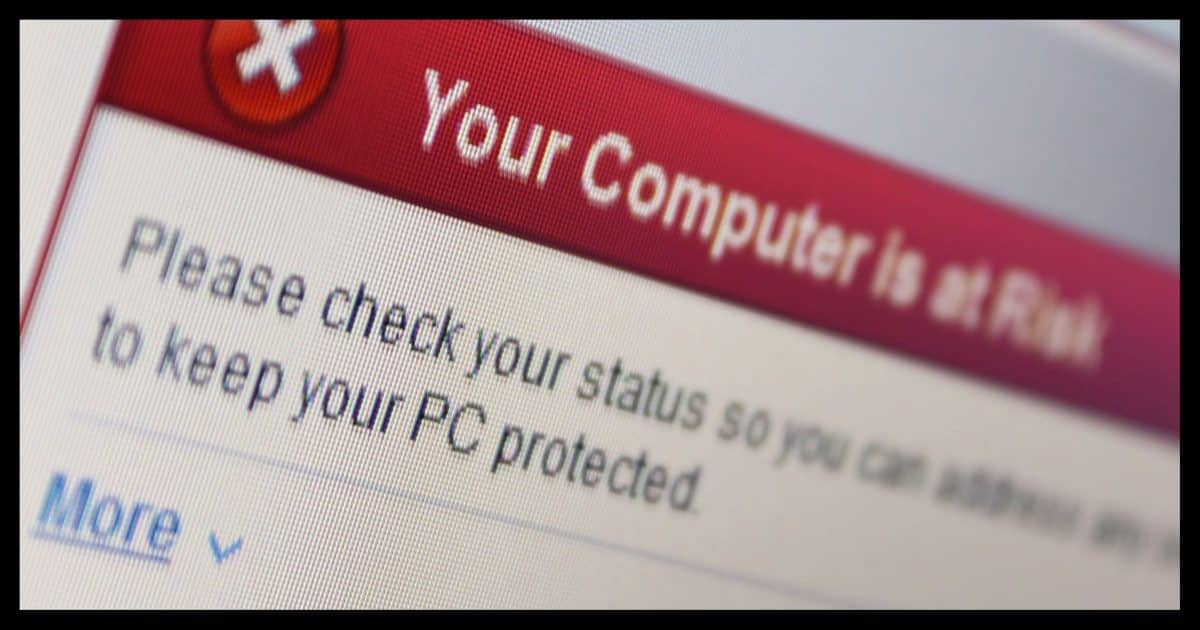
I’ve recently started getting a new warning message when I visit some sites. It says that my computer is tracking all the adult sites I’ve visited and that this will affect me in various ways. It recommends that I install a drive-cleaning program to remove these tracks.
Does this mean that my computer was infected by a virus, trojan, or some kind of tracking software? Have I been hacked by someone? And do you recommend that I install the drive-cleaning software? Is it safe?
Do not install that software.
If you get a message that says you are infected and recommends a specific product to fix it, the answer is simple: don’t do it.
There may be other things you want to do, but following some random pop-up message’s instructions to download a specific product isn’t one of them.
Become a Patron of Ask Leo! and go ad-free!

Pop-up virus warnings
Unexpected pop-up messages indicating a problem and recommending a specific solution are almost always a scam. Make sure you’re already doing all the things you should be doing to stay safe, and you can safely ignore scams like this that try to play on your fears. When in doubt, run an up-to-date scan using your already-installed security software.
The clue: it’s in your browser
Some forms of malware attempt to look like legitimate pop-up messages from Windows or the applications you have on your machine.
But they’re not.
One of the easiest ways to determine this is to simply close your browser. If the message goes away when you close your browser, then the message was presented not by your system, but by a webpage. A webpage has no way to know that your machine is infected.
It’s extremely unlikely that you’ve been hacked.
It’s just trying to fool you. It’s a trap.
The scam
I called it malware, but technically, it isn’t — at least, it’s not malware on your machine. Yet.
There are several scams that operate as follows:
- Present a pop-up message that your machine is infected with malware, or has vulnerabilities, or something else is wrong.
- Indicates you should download some free program to resolve the problem.
- The download, when run, presents exaggerated alerts about how compromised your machine is.
- You’re encouraged to purchase the “full” version to clean it all up.
- The paid version may or may not actually do anything bad… except take your money.
The question is, where does that initial message come from? Most common of late, it’s website-related.
Some websites present these misleading messages as a form of advertising when you visit. Sometimes websites have themselves been compromised to display these fake warning pop-ups.
The point is to scare you into downloading and running a specific program to resolve what may or may not be an issue. In some cases, the point is to scare you into downloading and installing malware.
What should you do?
If you get a warning that includes a recommendation to download a specific product to resolve the problem, don’t.
Instead, start by keeping yourself safe to begin with. That starts with having anti-malware tools and keeping them up to date. Keeping yourself safe to begin with means that you can confidently ignore all these fear-mongering pop-up messages.
If you do get a message indicating a problem and it does not recommend a specific solution, then perhaps pay attention. It might be from Windows or from your anti-malware tools. Learn to recognize messages that come from those sources.
If there’s a problem, address the problem with tools you choose.
If you do get a message, with or without a specific recommendation, go ahead and take a moment to update and run your anti-malware software right then and there. If there’s a problem, that should take care of it — again, using tools you selected.
Do this
Start by following best practices to keep yourself safe. Start here: Internet Safety: 7 Steps to Keeping Your Computer Safe on the Internet.
Learn to recognize legitimate messages from your system. Those are messages you’ll pay attention to.
Finally, as long as you’re staying safe, you can typically ignore the other messages that are trying to play on your fears.
Another step to staying safe? Subscribe to Confident Computing! Less frustration and more confidence, solutions, answers, and tips in your inbox every week.
Podcast audio

Related Video


It’s possible that the free scan they offer is infected with malware. Don’t run it.
I love your picture — the popup says “Boo!” :)
And we all jump!
(Well… not you.)
I see these pop-ups from time to time. When I close my browser, they usually go away. I NEVER download their ‘solution’ to my supposed problem, but after closing my browser, I DO run a full system scan using Windows defender, then Malwarebytes. If I’m still concerned, I run the Windows Defender’s off-line scan. I am confident that if anything has found its way onto my computer, one of these utilities will find and remove it. Note, I have NEVER found any malware following one of these ‘Your Infected’ pop-ups.
Ernie
I’ve had these popups and have learned to ignore them. What worries me are the instances where a screen pops up, locks up the browser (sometimes with sound or voice)… can’t close the browser, alt-tab does not respond…. The only escape I’ve found is ctl-alt-delete to open Task Manager with which I can forcibly close the browser.
A couple times, I’ve had to forcibly turn-off my laptop.
Afterwards, I’ve run Windows Defender and Malware Bytes… and come up blank.
Any light you can shed on the matter will be appreciated.
No real light to shed. Sometimes they do lock up the browser completely, and Task Manager is the way to go. It’s rare that they actually lock up a machine, though, but I’ve heard of it.
My wife had a browser popup virus warining twice recently on websites showing cute dog and cat short videos. The first time she was really freaked out. The popup managed to lock the page into full screen and audio repeatedly warned to not turn-off your computer because the virus would then spread.
I just used the keyboard macro Windows key + M, and every open app was minimized. I maximized the browser from the Taskbar and the popup was still there but not Full Screen. I noted the URL and told her don’t go there again. I closed all apps and ran a Full Windows Defender scan then a Malwarebytes scan, both negative.
The second time, she was only annoyed and asked be to do the same thing that I did last time. So far she has avoided a third misadventure.
I visit the Daily Mail quite often. Recently, I’ve been getting the pop up Virus alert telling me I need to click on some link to clear it. I just close the window. It is annoying but I know better than to click anything. Sometimes I have to turn off my WiFi and force quit the browser. I always clear the history before going back online. I suppose this is as good an excuse as any to update my browser. I use two in case one gets messed up.