A checklist.
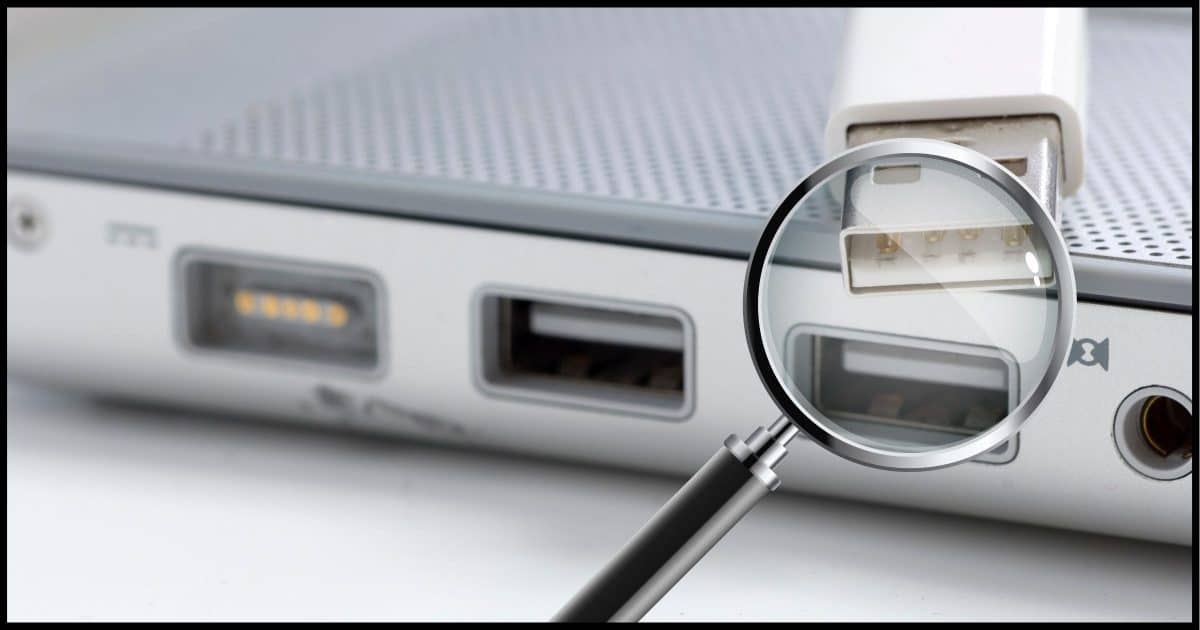
USB is great when it works, but as you’re experiencing, it can be a pain when it doesn’t.
It’s fairly mature technology, but still suffers from everything from occasionally faulty hardware to driver issues, compatibility issues, and more.
Let’s run through a checklist of all the things to look into when experiencing USB issues.
Become a Patron of Ask Leo! and go ad-free!

Windows not recognizing USB: a checklist
- Restart your computer
- Unplug your computer
- Plug directly into your computer
- Try another USB socket
- Try a different cable
- Update software
- Update more software: UEFI/BIOS
- Update even more software: drivers
- Uninstall and reinstall the drivers
- Try a different computer
- Disable Selective Suspend
- Update USB controller drivers
- Run the System File Checker
- Scan for malware
- Contact the manufacturer
The checklist
Step zero, of course, is to back up. Some of the items below involve updating software or making changes to your machine, and you should always protect yourself with a full image backup before you begin.
1. Restart your computer
Seems like this is our go-to first step for just about anything, and that’s because it works so often. Restarting your computer can often reset software such as USB drivers that have become “confused”. Try attaching your USB device immediately after the restart.
2. Unplug
This applies mostly to desktop machines, but the idea here is that just as rebooting can “unconfuse” software, removing power for 30 seconds or so can do the same for hardware such as USB ports that might be in an odd state that persists across simple reboots. Use the Shut Down command, wait until it finishes, unplug for 30 seconds or more, re-plug, and restart.
3. Plug directly into your computer
For a variety of reasons, a USB hub can sometimes cause problems. The most common is that they’re sometimes unable to provide enough power when multiple devices are connected (sometimes even if they have their own power supply). Poorly designed hubs can also occasionally interfere with the USB protocols. Bypass the hub by plugging the USB device directly into your computer, and see if that helps.
4. Try another USB socket
Particularly if you’re plugging your USB device directly into your computer, try a different USB socket if available. It’s not uncommon for the connectors to wear, or become loose, or for dirt to get into the socket and prevent a clean connection.
5. Try a different cable
This surprises people, but it happens often: USB cables wear out. If this is a USB device that connects using a cable of some sort, try a different cable. If things start working, discard the original cable.
6. Update software
While not always successful, it’s a simple thing to try: run Windows Update until no more updates are available. On the off chance that a Windows or USB driver is the cause of the issue, perhaps it’ll have been fixed in an update.
7. Update more software: UEFI/BIOS
The UEFI (formerly BIOS) firmware on your computer often plays a key role in USB support. Check with your computer’s manufacturer to see if there are any updates available, and consider applying those updates particularly if they address USB issues.
8. Update even more software: drivers
While Windows Update manages drivers for most common devices, it often lags behind the drivers available directly from the manufacturer. If you can, locate your USB device’s manufacturer’s support site to see if they have more current drivers available.
9. Uninstall and reinstall the drivers
Occasionally, Windows might get a little confused as to the state of current drivers for a specific device. One quick way to “reset” Windows for the device is to uninstall the driver for the device and then let Windows automatically install what it believes to be the most current driver from scratch.
10. Try a different computer
A quick way to determine if the problem lies with your device or your computer is to connect it to a different computer if you have one available. If it works, then you know to focus your efforts on computer-specific solutions, whereas if it fails, you know the problem is likely with the device itself.
11. Disable Selective Suspend
The USB Selective Suspend feature allows the USB hub to selectively suspend (turn off) specific USB ports if it thinks they’re somehow interfering with the rest of the USB operation. A great idea in theory, but it can occasionally cause issues. Try disabling it.
12. Update USB controller drivers
These are the drivers not for the USB device itself, but for the USB controller built into your machine. As always, Windows should have the latest in place, but it can get confused. The uninstall method allowing Windows to reset the drivers is probably the best approach.
13. Run the System File Checker
SFC, or the System File Checker, scans all the files that make up Windows itself to ensure none are damaged and attempts to repair any that appear to be. While not directly related to USB issues, problems in Windows itself can manifest in many ways, including USB issues.
14. Scan for malware
An up-to-date malware scan wouldn’t hurt. Malware can cause problems that manifest in several ways, including, in rare cases, USB issues.
15. Contact the manufacturer
When all else fails, it’s time to contact the device’s manufacturer. Hopefully, their support team may be able to provide more specific assistance.
Do this
As you can see, a lot can go wrong. USB devices are powerful, convenient, and flexible, but with all that comes a degree of under-the-hood complexity that occasionally manifests as problems using the device.
Now you have a list of things to try when this happens.
Add this to the list too: subscribe to Confident Computing! Less frustration and more confidence, solutions, answers, and safety tips in your inbox every week.
Podcast audio

Related Video


OK I’m stumped I have an MP3 player I just bought . my laptop doesn’t read it as an MP3 player. it reads it as an HS usb flash disk whatever that is so I can’t put music on it what do I do?
Copy MP3 files to the flash drive, then eject the player. The music should appear on the player. (Check with the instructions that came with it for more — there’s probably ways to organize and more.)
There’s one more that I’ve used often. When I plug my phone into the computer, I have to set the phone to allow data transfer.
That is not an error. That is a very important security measure.
If you plug your phone into a public charging service (airport, airplane etc) you don’t want a maliciously modified “charging outlet” to suck all your personal information off your phone.
That is a real “thing” that was actually happening and this dialogue is the remedy.
Read carefully. My comment doesn’t mention errors.
I’d actually move #10 “Try a different computer” up the #6 position, right behind “Try a different cable”. If the problem is most likely in the USB device, I’d rather know that before I spend the time and effort to install all kinds of updates on my system.
However, aside from that – great list! Wonderfully applicable to anything that can be plugged in, not just USB devices.
I had a USB hard drive used for backups that was an adventure every time I plugged it in. Sometimes it would show up in Explorer on the 1st try, but most of the time I had to unplug and re-plug several times before it was recognized, and the same on another PC. Once recognized, the drive worked perfectly.
I attempted several of the things on the list including changing the cable, but no improvement.
When it got to the point where it was requiring 10 or more attempts, I ditched it.
The fact that it would eventually be recognized, would seem to negate any software/driver issues. Ideas anyone?
Flakey hardware. Assuming the problem travelled with the drive (to other systems), then specifically flakey drive interface hardware, or a bad USB connector on the drive.
First, a belated congratulations on Leo’s 20 years of service.
About USB cables: Note that there are two types of USB cables out there. Some are only for charging devices and others do both charging and data transfer. If you buy a charge-only cable then it won’t transfer data. Sadly most common cables you find online or in stores are charge-only and the package will never tell you that. The typical reason for the two types of cable is that the charge-only cables are missing (at least) two wires inside, saving the manufacturer money at your expense.
If you’re having a USB problem on a desktop, or even a laptop, sometimes the connection between the USB port and motherboard get loosened. Open your computer and wiggle that connection. On some desktops there are USB ports built directly into the motherboard, so you can use that as a test port.
I had the USB problem on a new Dell XPS 8950 desktop — I clicked on Add New Device tab or Scan for Hardware Changes on the Device Manager. Recognized it then.
Re: aa1234aa – 2 types of USB cables: The USB cables that are only for charging will protect your device from illegitimate data transfer (hacking) if you charge your device on a public connection. But they should be labeled as such.
I know it’s gotten a lot of press, but the whole “hackers hacking USB charging stations” thing is apparently either not real, or not NEARLY as much of a concern as some people, including the FBI, are making it. More here: Is “Juice Jacking” Real?
I would move “try another computer” to #1. In my dealings with hardware failure, I’ve found that saves a lot of time. Just saying..
I understand that operating systems are some of the most complex software created by man but is it possible that even today in 2023 it is the user who has to go through all these steps to fix a computer/windows problem and sometimes even have to act on that complicated system register. Well, I guess it will be a long time before we can say, “Computer, fix yourself!”
How does #2, unplug computer, apply in the context of a laptop? If an odd state in a USB port can persist after reboot and be resolved by a power cycle, must we remove our laptop’s battery to achieve the intent here?
The article states that unplugging is only for desktop computers.
That’s one that just won’t work on a laptop especially as in modern computers, you need a special screwdriver to remove the tiny screws and once removed, you might need special tools to remove the battery. #2 is an extremely rarely needed fix.
I’m still running across laptops where the battery can be removed, but agree, it’s becoming less and less common.
Yes.