It’s what your computer uses when it runs out of real memory.

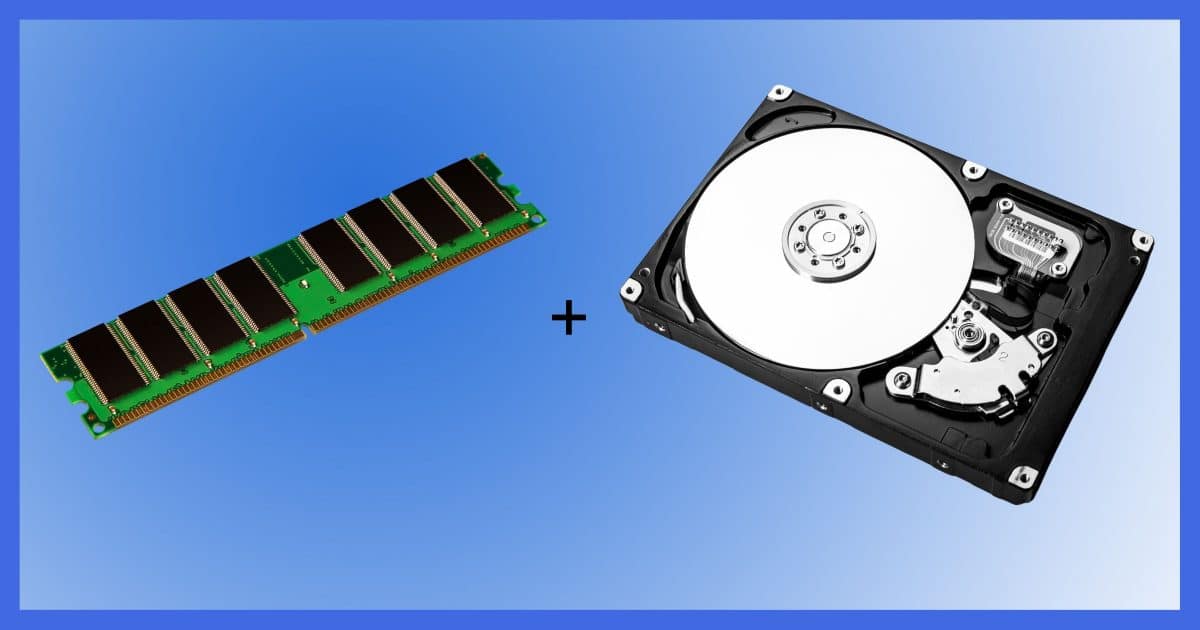
There’s memory and there’s disk space. They are two separate things.
There’s also memory kept on disk, not to be confused with memory made to look like a disk.1
Disks and memory are fairly easy. Virtual memory is one way that they overlap, and we can make that a little less confusing.
Become a Patron of Ask Leo! and go ad-free!

Virtual Memory
Virtual memory is hard disk space managed by the operating system to temporarily hold the contents of a portion of RAM when there’s not enough memory to do everything the computer is trying to do. Excessive virtual memory use can result in performance issues.
Memory versus disks
First, let’s review the basics.
Computer “memory” means RAM (Random Access Memory). These are a bunch of chips in your computer holding things like the running operating system, the programs running right now, the document currently showing in your word processor, or the email you’re typing up. The emphasis is on current use.
When you turn the computer off or if it crashes, anything stored in “memory” is gone. That’s why when you’re editing a document, it’s a good idea to save to disk often.
“Disks” refer to either to either the hard disk drives (HDDs) or solid state drives (SSDs) in your machine. Disks retain what they contain when power is removed. Computer memory does not.
Disk drives work much slower than memory — too slow for your computer to work from directly. So the normal sequence of events is to:
- Load your program or document into memory from disk.
- Run the program or work on the document in memory.
- Save any changes by writing them back to the disk.
Virtual memory
Virtual memory is when the operating system uses some amount of disk space as if it were real memory.
Exactly how this is done is complex and well beyond what I can present here. But in an over-simplified nutshell, it works like this:
- You run programs, and programs use memory. The operating system tracks which program is using what portions of your computer’s memory and allocates each program the amount of memory it needs.
- Programs often need more memory as they do their jobs. For example, opening a large document may cause your word processor to request additional memory from the operating system in order to hold the document.
- If there isn’t enough memory available to satisfy a request, the operating system may decide another program’s needs are “less important” at that moment. It frees some of the memory used by that program, first by writing the current contents to disk (called “swapping out”) and then allocating the now free memory to the program making the request.
- Later, when the program whose memory was swapped out needs it back, it can be “swapped in” by reading it back from disk. This might cause memory from another program to be swapped out to make room.
The operating system itself is also just a program, so it needs memory, too. It can allocate memory to itself. Its memory may get swapped out to disk as other needs arise.
Thrashing
Disks are slower than memory. If the operating system is doing a lot of swapping between the two, it’s referred to as “thrashing”, and it slows your computer down.
If it happens frequently, it might be time to add some memory to your machine. That can be one of the most cost-effective ways to increase your system’s speed.
Do this
In an ideal world, your computer would never need virtual memory. In an ideal world, your system would always have enough memory — RAM — to perform whatever you ask it to do.
If not, however, adding RAM is one way to deal with it. Or you could just ask less of your computer.
Want more tips? Subscribe to Confident Computing! Less frustration and more confidence, solutions, answers, and tips in your inbox every week.
Podcast audio

Related Video


Footnotes & References
1: AKA a RAM disk, which isn’t nearly as common as it once was.


Thank you, Leo. For the first time, I think I understand what virtual memory is and what swapping and thrashing have to do with it.
Now, please help me out with virtual reality. Am I being swapped in and out with another reality? Maybe that explains the thrashing feeling I have in the pit of my stomach.
Virtual reality is just a computer program that appears to be an alternate reality. Your not being swapped in and out of another reality. It’s more like an interactive movie (maybe someone can come up with a better analogy). Thrashing is caused by software requiring more RAM than you have and using a lot of virtual memory causing a lot of extra disk activity.
Three comments:
1. Many decades ago, I heard virtual memory described in essentially (I’m reciting from memory so I may be a bit “off”) these terms:
“Virtual memory works by telling the computer that, if it will just look at a particular address, it’ll find a whole bunch of extra memory. This is a LIE. What it REALLY finds, is a pointer to a specifically allocated space on your disk drive.”
This is still how I understand virtual memory today, and it appears to be congruent with what you have described.
2. This brings up an old one-liner I encountered on Usenet many, many years ago: “Ah! Virtual memory! Now for a really BIG RAM drive!”
3. Speaking whereof… why aren’t RAM drives common anymore? Wouldn’t you think they’d still be useful? (I know, for certain, of at least ONE program that make extensive use of them: VeraCrypt — the successor to TrueCrypt — uses them to insure that any decrypted data is NEVER stored on disk, but only in RAM. The container file on disk is only updated when the RAM disk is encrypted and closed.)
Yes, all good information on Virtual Memory. But opens up a LOT of questions:
1. How can I tell when VM is being used?
2. How can I tell if I have allocated sufficient disk space to VM
3. I know how much RAM my system has installed, how can I tell the MAX allowed?
1) Problem is that it’s always being used in some respect, unless you have it turned off. Honestly, the most pragmatic sign is thrashing. If your disk is thrashing use Task Manager to look at the memory used by your various apps. (Even then it’s complex, since “memory used” turns out to be a complex term in Windows.)
2) You’re not getting “out of memory” errors.
3) Max RAM? Depends on your motherboard — check with the manifacturer.
This item leaves me with two take aways:
1. MAX-out your RAM. If you have a store-bought computer (a Dell, etc.), search the Internet for your computer’s model name, and max RAM capacity (or specifications). If it’s a custom-built system (like mine), look in the motherboard’s user manual (mine tells me how much RAM the board can address/support). Maxing out the memory of an older computer is an economical way of getting the most out of that older box (and even some newer ones).
2. If your computer has a mechanical hard drive (one with magnetic disks, read heads, and a motor to spin the disks), replace it with an SSD drive. SSD drives come in multiple form factors, one of which looks like a drive built for a laptop computer (but a bit larger, usually 3.5″ for desktops). They come in capacities as large as 1TB (and larger). I have seen 1TB 3.5″ drives for less than $100.00. If you have a desktop computer, you may need to get a drive bay adapter too, so the new drive mounts correctly. If you have a laptop PC, you probably need a 2.5″ SSD drive (it should be a simple replace since it’s the same size as the old drive). These drives come with similar capacities as the desktop form factors and pricing is similar. I promise, you will be amazed at how much faster your older laptop/desktop PC seems to be after installing an SSD drive. The result is well worth the effort.
Note: If you are uncomfortable with opening the computer case, have a computer tech do it for you. It’ll cost more, but the result will still be worth it. I have an old Acer laptop PC (circa early 2000s with the old BIOS system – pre-UEFI), and after I installed an SSD drive in it, I was simply blown away by the performance improvement (I still have that laptop).
My2Cents,
Ernie